Direct work with voice
Talk to your AI threads from anywhere to get work done.
Now that each workflow has its own thread, you can use ChatGPT Voice to direct work across all of them. It’s an incredible feeling to get work done while taking a walk with Voice on instead of staring at a screen.

Voice is one area where Claude still lags ChatGPT, so the steps below are for ChatGPT.
1. Turn on Voice
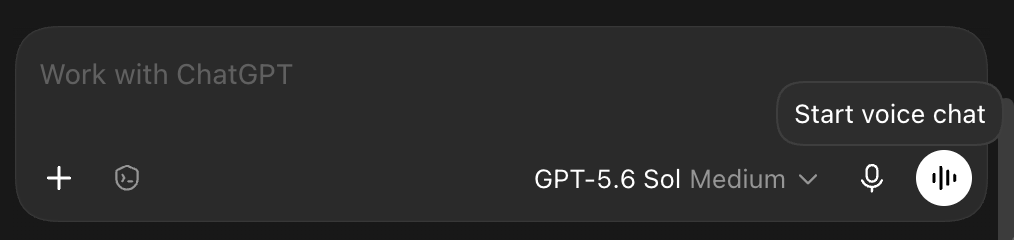
In ChatGPT desktop or mobile, select the Start voice chat button.
Upgrade now to unlock this lesson, plus:
- 25+ lessons of my personal AI course
- $600+ in AI tool discounts to Grok Bot, Replit, Lovable, Granola, and more
- 16+ handcrafted AI skills for work and personal use cases
- Invite to my private Slack with monthly live workshops and direct access to me
- Full access to my paid newsletter with 100+ tutorials and posts
Already a member? Enter your email to sign in