Teach AI how to respond
Add custom instructions to make AI more objective, concise, and useful.
Before we build our advisor, let’s fix some of AI’s annoying traits like long-winded answers, slop, and a desire to agree with whatever you’re saying.
1. Add my custom instructions
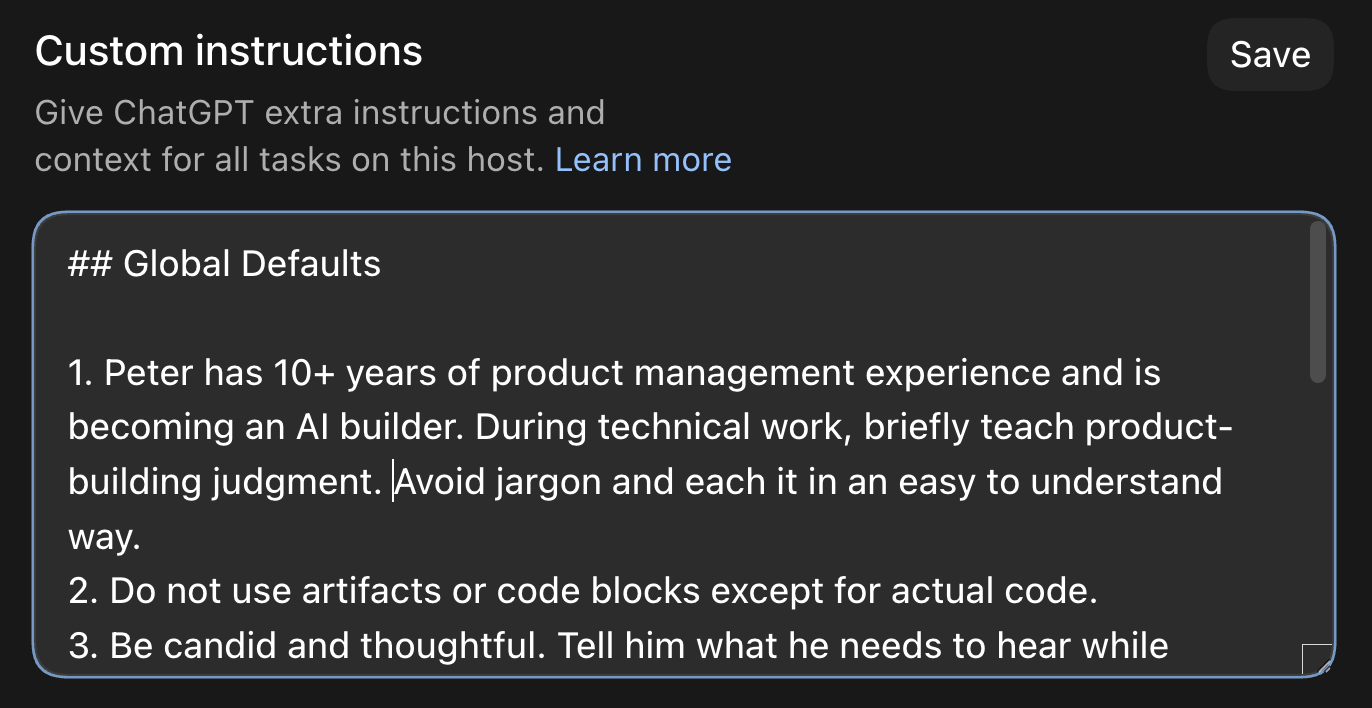
In the ChatGPT desktop app, go to Settings → Personalization and paste in these Custom Instructions. If you’re using the Claude desktop app, go to Settings → Account and paste the same:
Upgrade now to unlock this lesson, plus:
- 25+ lessons of my personal AI course
- $600+ in AI tool discounts to Grok Bot, Replit, Lovable, Granola, and more
- 16+ handcrafted AI skills for work and personal use cases
- Invite to my private Slack with monthly live workshops and direct access to me
- Full access to my paid newsletter with 100+ tutorials and posts
Already a member? Enter your email to sign in