Install Hermes
Download the desktop app and select your AI model.
Install the Hermes desktop app
The easiest way to install Hermes is to download the desktop app. It’s available for Mac, Windows, Linux, and other platforms, and it sets up everything for you.
- Go to the Hermes website .
- Click Download for the platform of your choice.
- Run the setup wizard and open the Hermes desktop app.
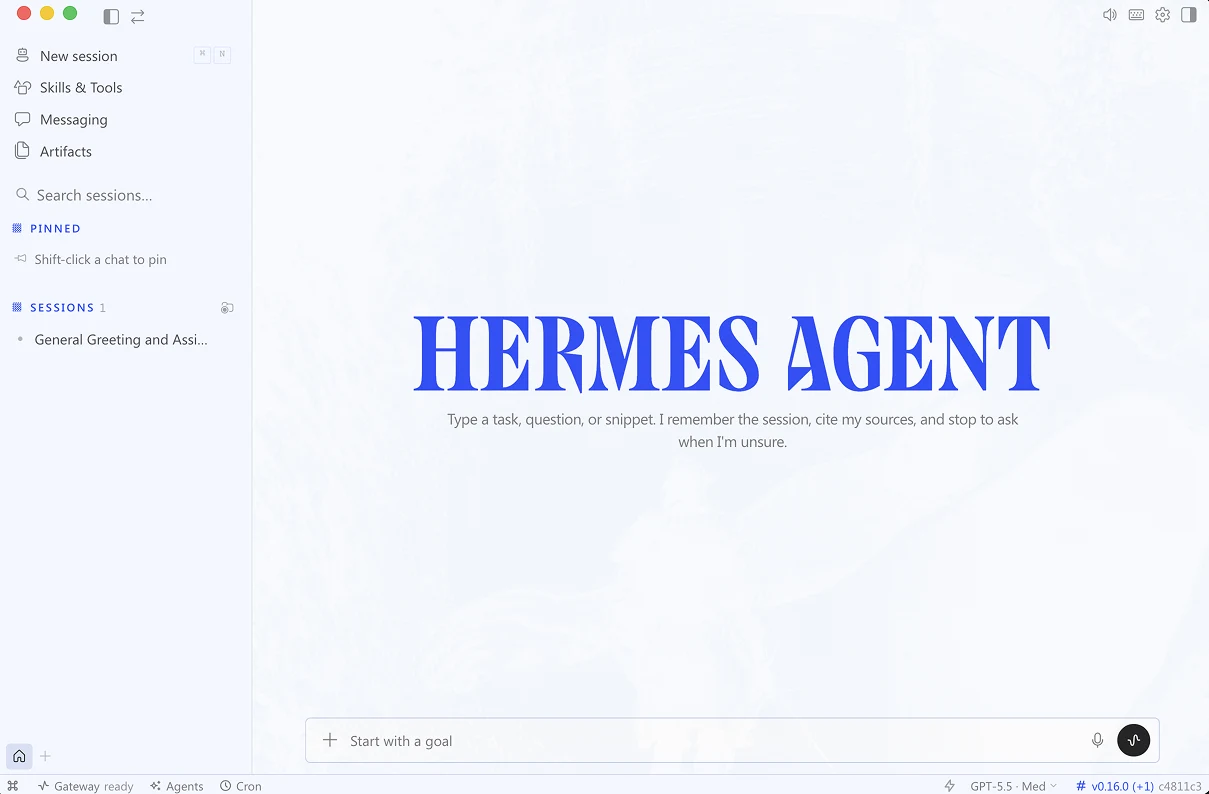
Here’s what the Hermes desktop app looks like after install:
Type this into the composer to talk to Hermes now:
Upgrade now to unlock this lesson, plus:
- 25+ lessons of my personal AI course
- $600+ in AI tool discounts to Grok Bot, Replit, Lovable, Granola, and more
- 16+ handcrafted AI skills for work and personal use cases
- Invite to my private Slack with monthly live workshops and direct access to me
- Full access to my paid newsletter with 100+ tutorials and posts
Already a member? Enter your email to sign in